Workflowlabs

Workflowlabs Fusion Now with Command Line Interface Support

By Workflowlabs ·
Workflowlabs Fusion Now with Command Line Interface Support
At Workflowlabs, we believe every customer has unique needs, and listening carefully to those needs helps us create meaningful solutions. One such example comes from a large research-driven organization that relied heavily on command-line interfaces (CLI) for its daily operations.


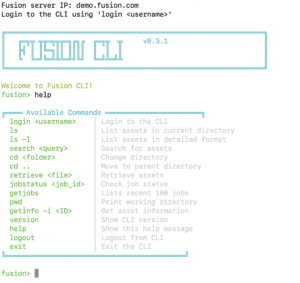
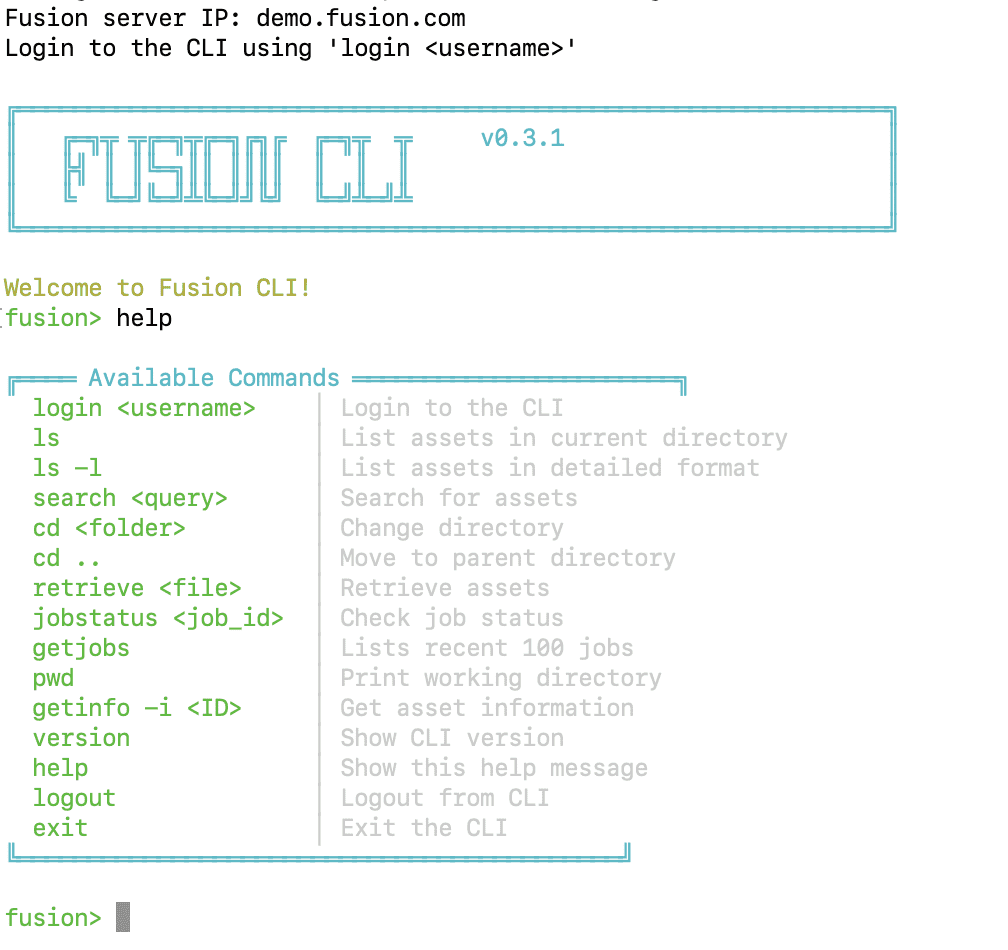
Fusion MAM CLI

The Challenge

The customer was a power user group accustomed to working entirely through command-line environments. While Fusion MAM and Archives already offered robust web-based interfaces, this organization wanted a way to search, manage, and retrieve its media assets directly from the command line.

The Solution

To address this, Workflowlabs developed a full-fledged Command Line Interface (CLI) for Fusion. This new capability allowed users to:

  • Search across all Fusion archives from the command line
  • Retrieve assets directly to their environment
  • Monitor ongoing jobs and see real-time progress
  • Interact with Fusion’s archival workflows without needing the GUI

The Outcome

This customization not only improved adoption within the organization but also demonstrated Workflowlabs’ commitment to flexibility. By bridging the gap between modern media management and customer workflows, Fusion became seamlessly integrated into the customer’s research-heavy environment.

Why It Matters

This case highlights how Workflowlabs goes beyond standard deployments, adapting its solutions to match the working style of customers. Whether through intuitive GUIs or advanced CLIs, Fusion empowers users to manage their assets the way they work best.


Spread the love

← Back to all articles

Find the right solution for your workflow.

Let’s find the right tools for your media operation.

Talk to our team

This site does not use analytics, advertising or social-media tracking cookies. Optional tawk.to live chat loads only after you allow it.

wl_cookie_notice
First-party essential preference cookie. Remembers your chat preference for 180 days.
wl_session
First-party essential authentication cookie. Set only after a successful editor sign-in, expires after 8 hours and is removed at sign-out. It is HttpOnly and restricted to /api; HTTPS deployments also use Secure.

Fusion tutorials use embedded Vimeo players with Do Not Track enabled. Loading a player connects your browser to Vimeo; essential playback or security storage may still be used. Vimeo player cookie information.

Optional chat uses tawk.to cookies and browser storage to maintain sessions and conversations, including tawk_uuid identifiers and twk_idm_key. Messages are processed by tawk.to and our support team. Disabling chat stops it loading on future pages; it does not delete messages already sent. You can browse without enabling chat. About chat cookies · tawk.to privacy policy.

Read cookie and enquiry information